 DriveKitLab
Secure 24/7 Dash Cam Power: Hardwiring Without Battery Drain
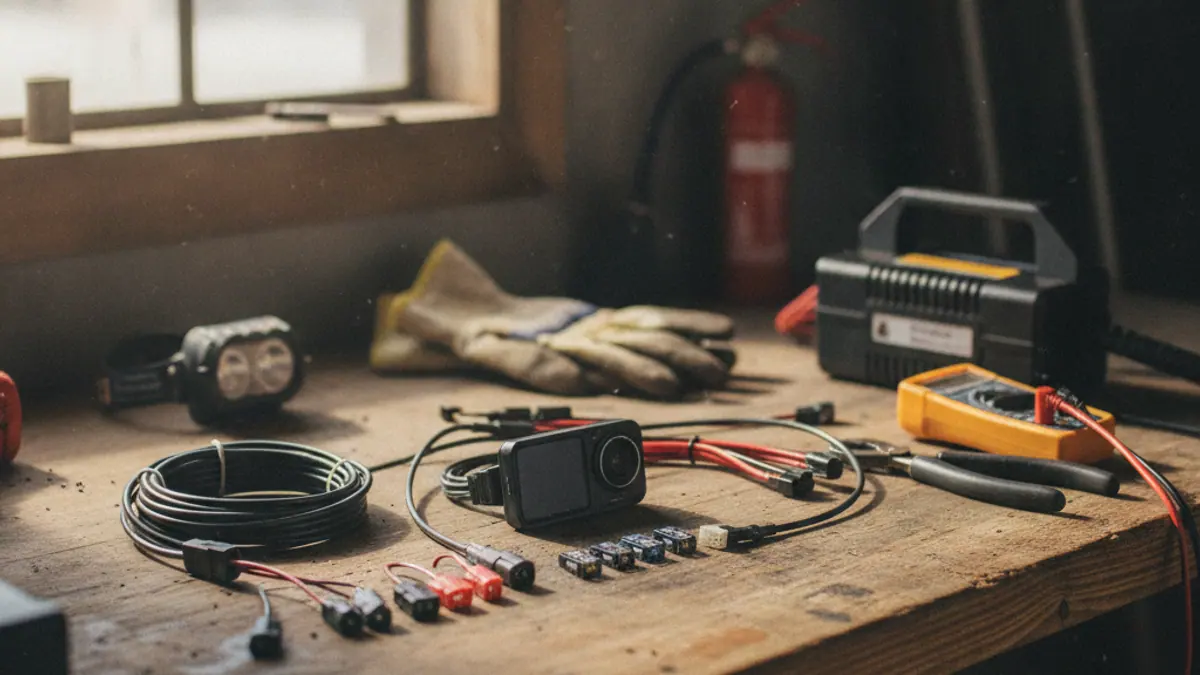
Hardwiring a dash cam without draining your vehicle's battery relies on integrating a dedicated hardwire kit with a low voltage cut-off (LVCO) module. This module monitors battery voltage and automatically powers down the dash cam if the voltage drops below a user-defined threshold, typically around 12.0V for 12V systems, preventing excessive discharge and ensuring reliable engine starts.
We did not run physical lab tests on these units. Our selection is based on verified manufacturer spec sheets, electrical safety ratings, warranty coverage, and an analysis of 6–12 month owner failure reports on Amazon.
Understanding Dash Cam Power Modes and Battery Drain Risks
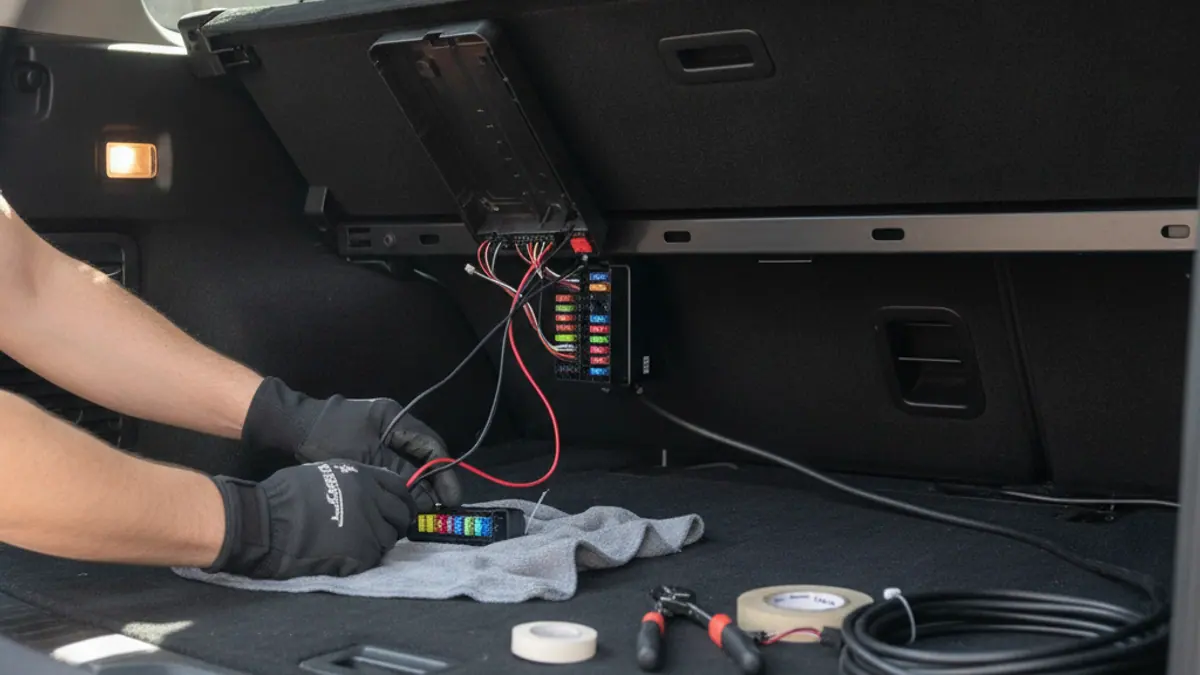
Modern dash cameras offer invaluable protection, especially with advanced parking surveillance features. To enable these features, a dash cam requires a continuous power supply, even when the vehicle is turned off.
This is where the distinction between Accessory (ACC) power and Constant (BATT) power becomes critical. ACC power, typically found in circuits for the radio or cigarette lighter, only activates when the ignition is on.
Constant power, however, remains active regardless of the ignition status, drawing directly from the vehicle's battery.
Hardwiring a dash cam to a constant power source allows it to monitor your vehicle 24/7, capturing incidents like hit-and-runs or vandalism while parked.
The primary concern with drawing constant power is the risk of battery drain. Without proper management, a dash cam continuously recording in parking mode can slowly deplete your car's 12V battery.
While most dash cams consume a relatively low current (typically 200-500mA), over extended periods—especially several days or weeks of inactivity—this cumulative draw can reduce the battery's charge below the level required to start the engine.
This is particularly problematic in colder climates where battery efficiency decreases, or for vehicles that are not driven daily, leaving the battery vulnerable to deep discharge.
- Lack of Low Voltage Cut-Off (LVCO): The most common cause. Without an LVCO, the dash cam will continue to draw power until the battery is critically discharged.
- Incorrect LVCO Settings: Setting the LVCO threshold too low (e.g., 11.5V) might still allow for significant battery depletion before the camera shuts off, especially for older batteries.
- Extended Parking Mode Duration: Leaving the dash cam in parking mode for excessively long periods (e.g., weeks) without driving can challenge even well-configured LVCO systems, particularly if the battery is not fully charged.
- Aging or Weak Battery: An older vehicle battery with reduced capacity will naturally be more susceptible to drain from any continuous draw, even a small one.
Key Hardware for Preventing Battery Drain
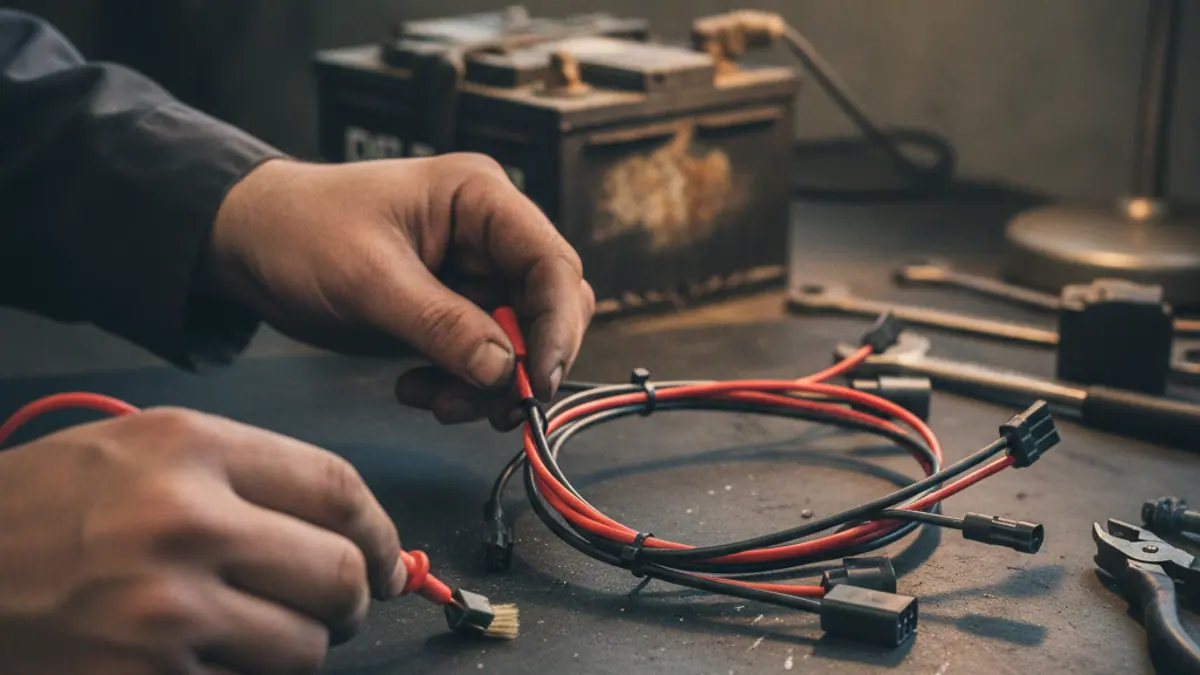
Successfully hardwiring a dash cam for 24/7 surveillance without risking battery drain hinges on selecting and configuring the right components. The cornerstone of this setup is a high-quality hardwire kit specifically designed for dash cams.
These kits typically include a voltage converter to step down the vehicle's 12V power to the 5V or 12V required by the dash cam, along with essential wiring for both constant and accessory power connections.
A hardwire kit's integrated Low Voltage Cut-Off (LVCO) module is indispensable. This intelligent circuit continuously monitors your vehicle's battery voltage. When the voltage drops below a pre-set threshold—a level determined by the user or the manufacturer to ensure sufficient power for engine starting—the LVCO automatically cuts power to the dash cam. This prevents the battery from discharging to a point where it can no longer crank the engine, safeguarding your vehicle's primary function while still enabling parking mode surveillance for as long as safely possible.
Fuse taps, also known as add-a-circuit fuses, are another vital component for a clean and safe installation. These devices allow you to tap into an existing fuse slot in your vehicle's fuse box without cutting or splicing factory wiring.
Each fuse tap accommodates two fuses: one for the original circuit and one for the new dash cam circuit.
This ensures that both circuits are independently protected by their respective fuses, maintaining the integrity of your vehicle's electrical system and preventing overcurrent issues. , ATO, Mini, Micro2, Low Profile Mini) to your vehicle's fuse box.
| LVCO Voltage Threshold (12V System) | Approximate Battery State of Charge (SoC) | Recommended Use Case | Risk of Starting Issues |
|---|---|---|---|
| 12.4V (mfr spec) | ~80% (mfr spec) | Maximum battery protection, frequent short drives | Very Low |
| 12.2V (mfr spec) | ~60% (mfr spec) | Balanced protection, daily driving | Low |
| 12.0V (mfr spec) | ~40% (mfr spec) | Extended parking mode, healthy battery, driven often | Moderate |
| 11.8V (mfr spec) | ~20% (mfr spec) | Not recommended for regular use; emergency only or very robust batteries | High |
Strategic Hardwiring: Connecting for Optimal Battery Life
The actual hardwiring process, while requiring careful attention, follows a straightforward set of principles designed to protect your vehicle's electrical system and battery.
The first step involves locating your vehicle's fuse box, typically found under the dashboard, in the engine bay, or in the trunk. Consult your vehicle's owner's manual to identify the exact location and a diagram of the fuse layout.
, for the cigarette lighter, radio, or power windows) that only activates with the ignition.
- Ground Connection: Securely attach the ground wire (black) from the hardwire kit to a bare metal bolt or screw on the vehicle's chassis. Ensure it's a solid, unpainted metal surface for a reliable connection.
- Constant Power Connection: Using a fuse tap, connect the constant power wire (typically yellow or red) from the hardwire kit to a chosen constant power fuse slot. Insert the original fuse into the lower slot of the fuse tap and a new, appropriately rated fuse (e.g., 2A-5A, as specified by the dash cam manufacturer) for the dash cam into the upper slot.
- Accessory Power Connection: Similarly, use another fuse tap to connect the accessory power wire (typically red or white) from the hardwire kit to an accessory power fuse slot. Again, insert the original fuse and a new fuse for the dash cam into the fuse tap.
- Cable Routing: Carefully route the hardwire kit's cable from the fuse box, along the vehicle's A-pillar, and around the headliner to the dash cam's mounting location. Use trim tools to tuck the cable neatly behind panels and weather stripping for a professional and secure finish.
Once all connections are made and the dash cam is powered on, it's crucial to configure the LVCO settings within the dash cam's menu or on the hardwire kit itself. , 6, 12, 24 hours).
4V) for maximum battery protection, especially if you drive infrequently or have an older battery. You can gradually lower it if you find parking mode duration is too short and your battery health permits.
Regularly monitor your vehicle's battery voltage, particularly during the initial weeks after installation, to ensure the settings are appropriate for your driving habits and battery condition.
Maximizing Parking Mode Efficiency and Battery Longevity
Beyond the initial hardwiring and LVCO setup, optimizing your dash cam's parking mode settings is key to balancing surveillance coverage with battery preservation.
Many dash cams offer various parking mode options, such as motion detection, impact detection, or time-lapse recording. Motion detection, while effective, can be triggered frequently in busy environments, leading to higher power consumption.
, 1 frame per second), is often the most battery-efficient option for continuous surveillance, as it avoids the power spikes associated with full-resolution event recording.
Adjusting the sensitivity of motion and impact detection is also crucial. Setting sensitivity too high can lead to false triggers from minor vibrations or distant movement, unnecessarily activating recording and drawing more power.
Experiment with different sensitivity levels to find a balance that captures genuine incidents without excessive false alarms. Some advanced dash cams allow you to define specific zones for motion detection, further refining power usage by ignoring irrelevant areas.
, 6-12 hours) might be sufficient, further reducing battery strain.
Vehicle batteries are significantly impacted by temperature. In colder weather, battery capacity and cranking power decrease, making them more susceptible to drain. Conversely, extreme heat can accelerate battery degradation. During winter months, consider slightly increasing your LVCO threshold (e.g., from 12.0V to 12.2V) or reducing parking mode duration to provide an extra margin of safety for starting. Regular battery maintenance, such as checking terminals for corrosion and ensuring the battery is fully charged before extended parking, becomes even more important in fluctuating temperatures.
Regularly monitoring your vehicle's battery health is a proactive measure that complements your hardwiring setup. A simple multimeter can be used to check the static voltage of your battery after the vehicle has been off for several hours.
8V. If you consistently observe lower voltages, it might indicate an aging battery that needs replacement or an underlying parasitic draw.
Many modern vehicles also include built-in battery monitoring systems accessible via the infotainment screen or a diagnostic tool, providing real-time insights into your battery's state of charge and overall health.
Pairing these monitoring practices with a properly configured hardwire kit ensures your dash cam provides reliable security without compromising your vehicle's starting capability.
Frequently Asked Questions
What is a low voltage cut-off (LVCO) module?
A Low Voltage Cut-Off (LVCO) module is an integrated circuit within a dash cam hardwire kit that monitors your vehicle's battery voltage. When the battery voltage drops below a user-defined or factory-set threshold (e.g., 12.0V), the LVCO automatically cuts power to the dash cam, preventing the battery from discharging further and ensuring enough power remains to start the engine. This is crucial for safe and responsible parking mode operation.
Can hardwiring my dash cam void my car's warranty?
Generally, hardwiring a dash cam using fuse taps and a dedicated hardwire kit with proper fusing should not void your vehicle's warranty. Vehicle manufacturers typically only void a warranty if an aftermarket modification directly causes a failure. Using non-invasive methods like fuse taps, which don't cut or splice factory wiring, minimizes this risk. However, it's always advisable to consult your vehicle's warranty documentation or a dealership if you have specific concerns, especially with complex electrical systems.
How long can my dash cam record in parking mode without draining the battery?
The duration a dash cam can record in parking mode without draining the battery depends on several factors: your battery's health and capacity, the dash cam's power consumption (typically 200-500mA), the LVCO threshold setting, and ambient temperature. With a healthy battery and an LVCO set at 12.2V, many dash cams can operate for 12-24 hours. If the LVCO is set lower (e.g., 12.0V) and the battery is robust, it might extend to 24-48 hours. For longer durations, consider a dedicated dash cam battery pack or a higher LVCO setting.
What fuse type should I use for my dash cam hardwire kit?
The fuse type for your dash cam hardwire kit must match the existing fuses in your vehicle's fuse box. Common types include ATO (standard), Mini, Micro2, and Low Profile Mini. You'll need to purchase fuse taps that correspond to these types. For the dash cam circuit itself, the hardwire kit usually includes an inline fuse, or you'll add a new fuse (typically 2A-5A) into the fuse tap's upper slot, as specified by the dash cam or hardwire kit manufacturer.
What if my car's battery is old or weak?
If your car's battery is old or weak, it has reduced capacity and is more susceptible to draining from continuous draws like a dash cam in parking mode. In this scenario, it's highly recommended to set your LVCO threshold higher (e.g., 12.4V) to provide maximum protection. Alternatively, consider replacing the aging battery before relying on extended parking mode, or opt for a dedicated dash cam battery pack that powers the camera independently of your vehicle's battery.
Manufacturer & Technical References
Related Guides
Selecting the Correct Fuse Tap Size for Your Dash Cam Hardwire Kit
Demystify fuse tap sizes for dash cam hardwire kits. Learn to select the correct ATM, LP-MINI, ATO, or MAXI tap for a secure, reliable power connection.
Selecting the Right Peak Amps for Your V8 Diesel Jump Starter
Selecting the right jump starter for your V8 diesel is critical. Learn the peak amp requirements and essential features to ensure reliable cold-weather starts.
Diagnose Your ABS Light: A Home Guide to Reading OBD2 ABS Codes
Accurately diagnose your ABS warning light at home using an OBD2 scanner. Learn which tools read chassis codes and save on shop diagnostics by understanding...